 Images · Video · VTT
Bring your own
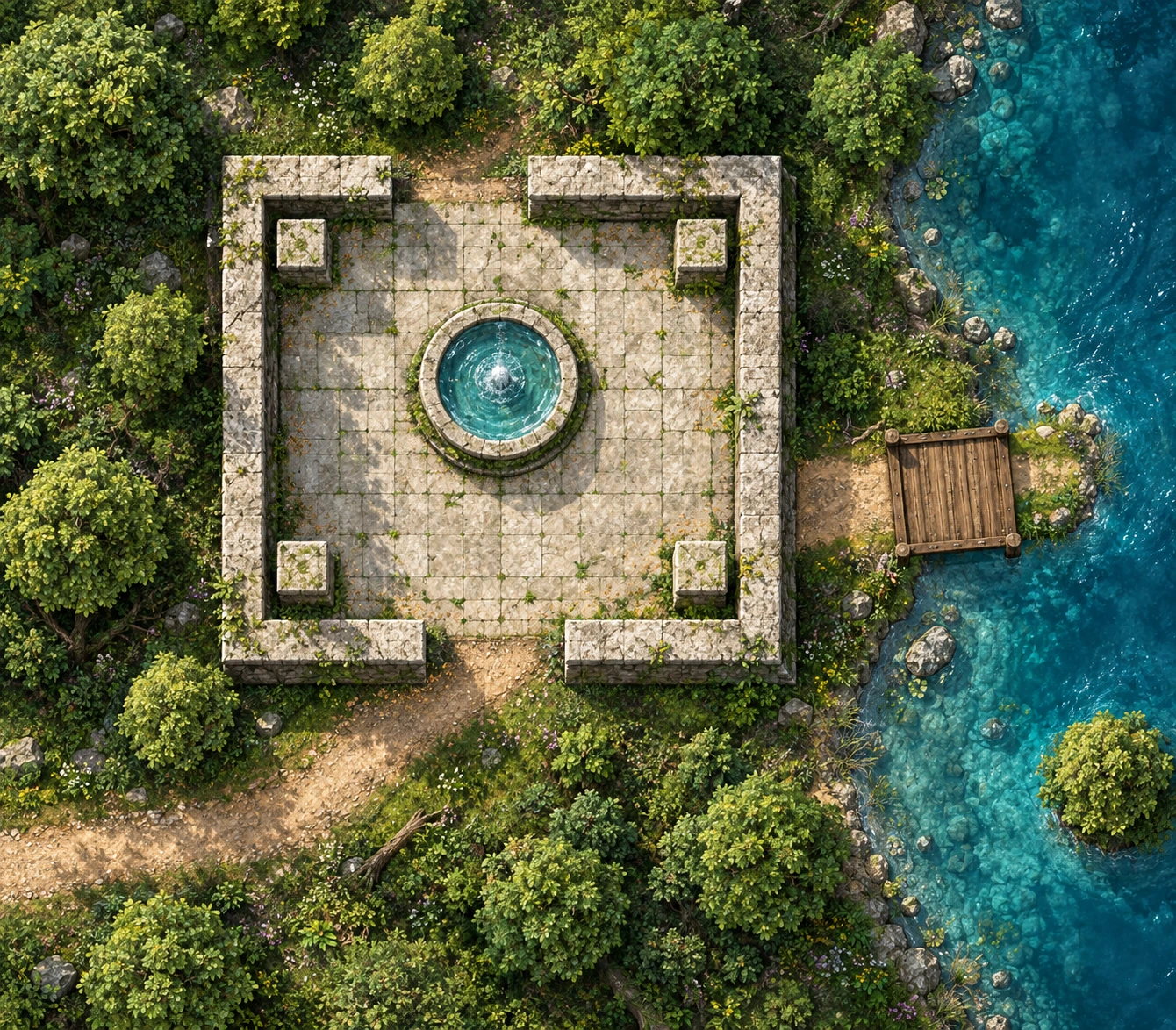
Import a map.
Bring your favourites. Find your next adventure.
Images · Video · VTTImport a map.
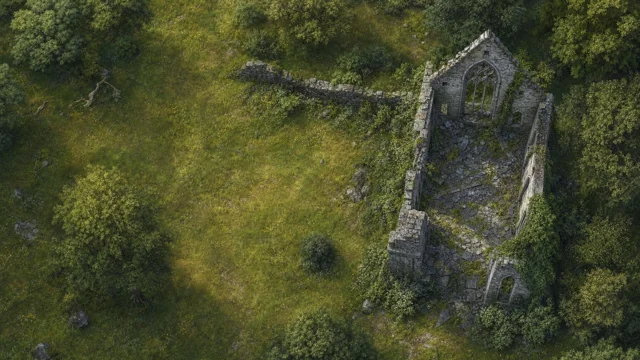
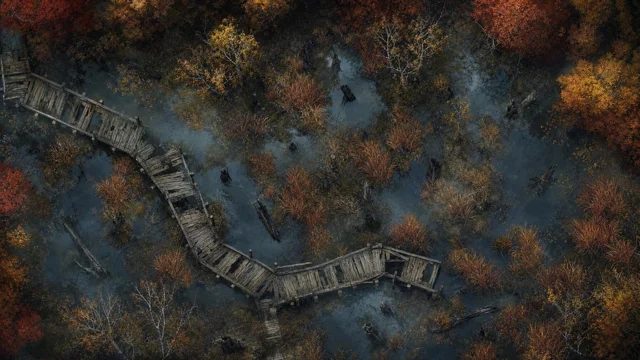
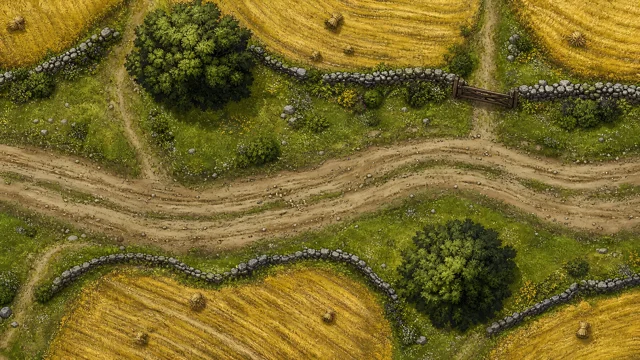 350 maps and growing
Current and future DungeonRig maps.
Included with Founder. No extra cost.
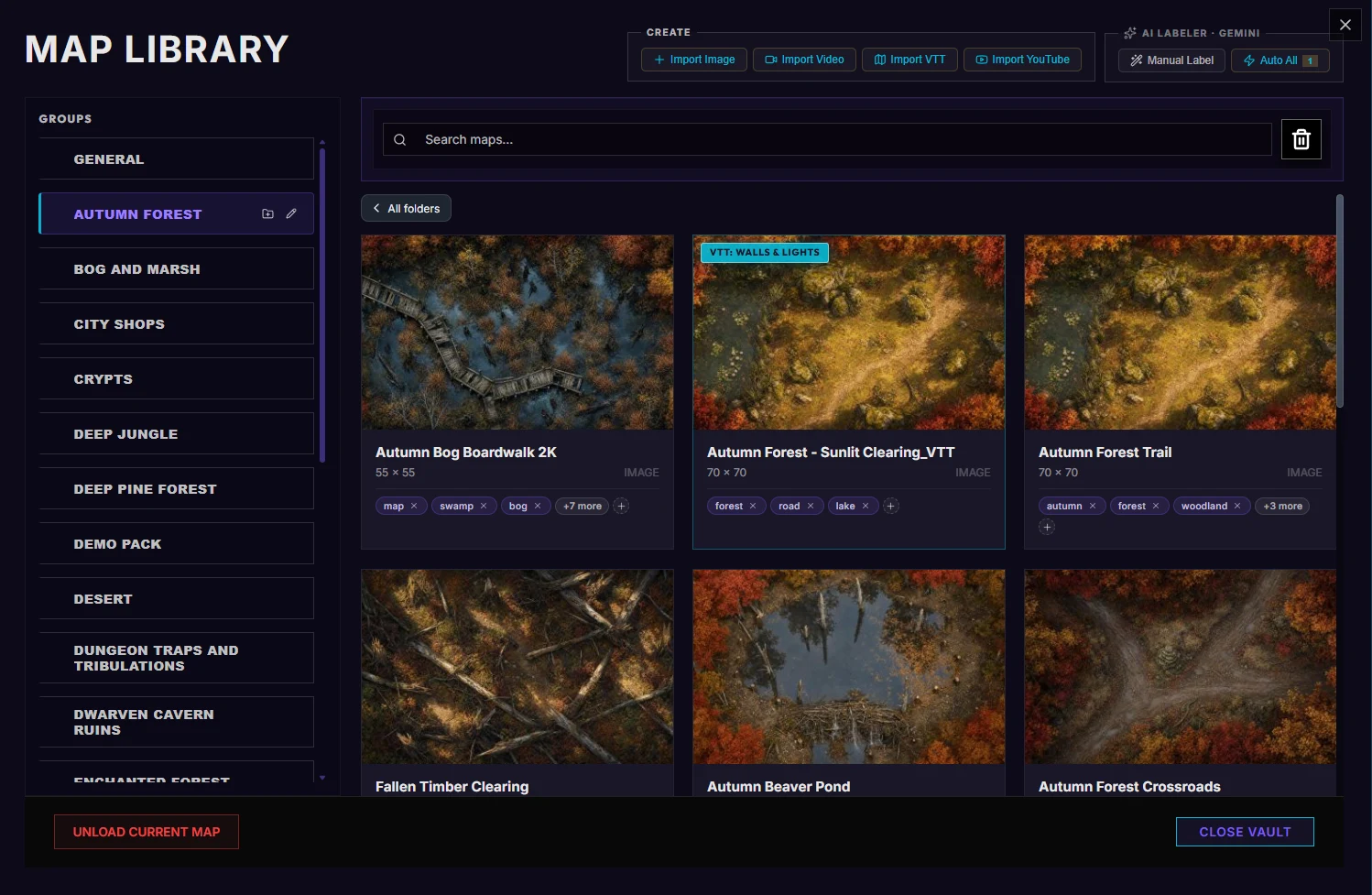
One library, on your computer.
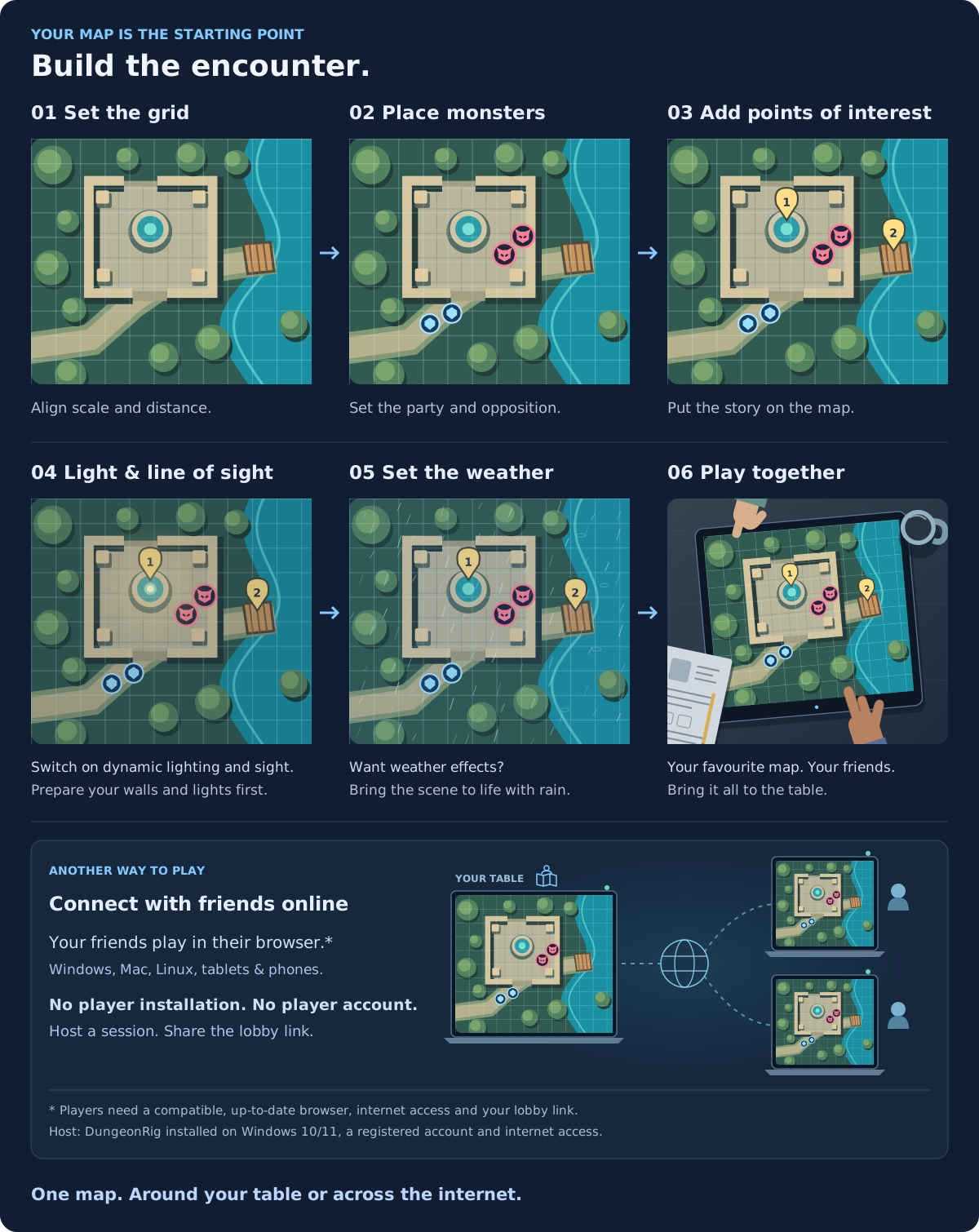
Add your encounter and invite friends.
Add DungeonRig packs from the in-app Store. Map count includes variants.
BEFORE YOUR FIRST SESSION
No. Use supported image or video exports from your favourite map tool, maps from creators, or maps you have drawn yourself. DungeonRig adds the tools for running your session on them.
No. Your imported map library is stored locally on your computer, using your own disk space. There is no cloud-storage subscription for keeping that collection in DungeonRig. Keep backups of your important maps and worlds. Online sessions use cloud services to share content with your players; this is separate from your local library.
Yes. Start with an image or video file you already have, or export one from your current tool. Import a supported VTT export to bring available wall and lighting data along too. You do not need to redraw the artwork or move your whole collection at once. This imports supported maps and their data, not every feature of another platform’s campaign.
It means you can bring existing artwork, rather than rebuild the map. Image imports support JPG, JPEG, PNG, WebP and GIF. Video imports support MP4, WebM, MKV, MOV and M4V; codec compatibility still matters. Universal VTT imports support DD2VTT, DF2VTT and UVTT. You can also import a YouTube link. Export PDFs and native map-editor projects to a supported format first.
A normal image does not include VTT wall data. Draw the walls, doors and lights you need in the Map Forge, or import a supported VTT export that already contains them. Review the result before play.
Yes, when their format and licence allow your intended use. Buying or importing a map does not transfer its copyright. Follow the creator’s terms, especially for sharing, streaming or distributing a world.
The host needs DungeonRig on Windows 10/11, registration and an internet connection. Players join through a compatible modern browser with internet access; they do not need to install DungeonRig. YouTube backgrounds use a still image for remote players.
The GM application runs on 64-bit Windows 10 or 11. You can import your own maps in the free edition; free encounters allow up to 2 player characters and 3 monsters. Founder Edition removes those encounter limits. See Founder Edition or browse the full guide.
Run your games without a recurring bill. Your map collection stays on your computer, with no cloud-storage fee.
YOUR COLLECTION ALREADY HAS ITS NEXT ADVENTURE
Keep the artwork you love. Add the tools to play it.
Your collection stays on your computer.